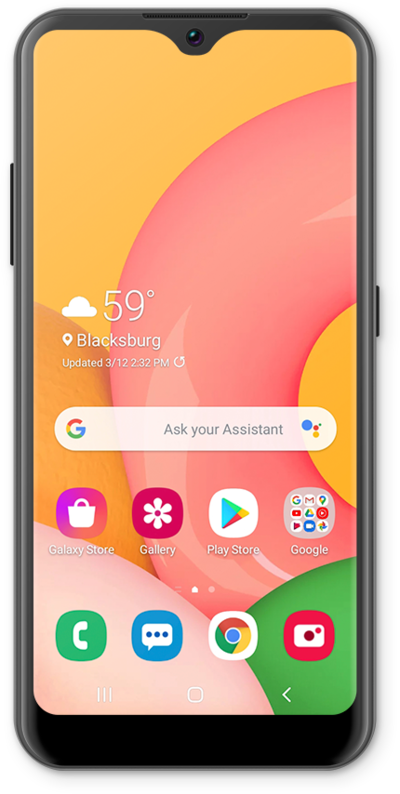
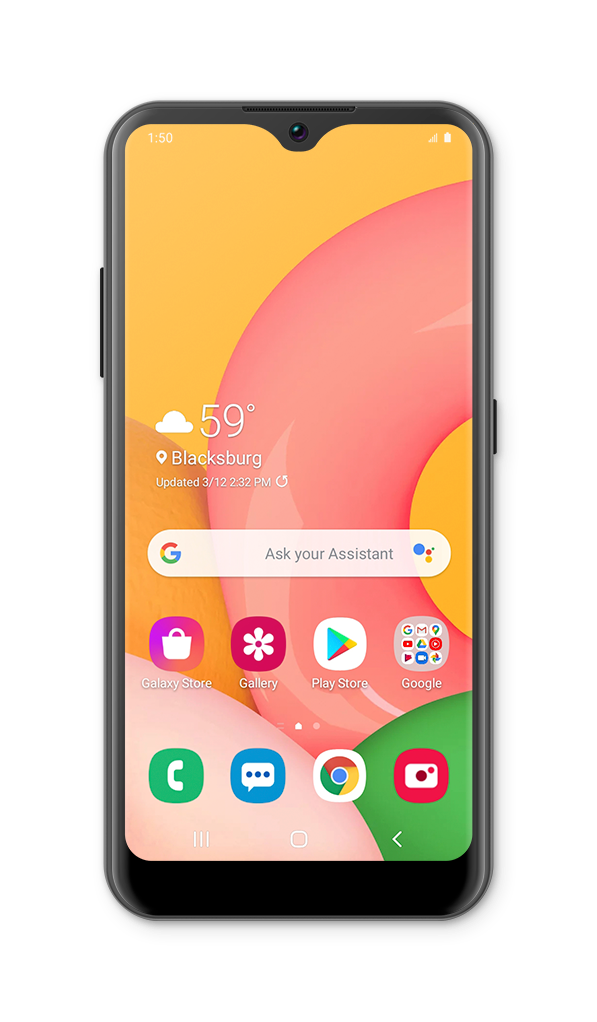
Used to go back one screen.
Used to plug in your headset or headphones.
Listen to audio or phone calls from here.
Used for taking pictures and recording videos.
Takes you to the last Home screen you were on. If you're on a Home screen, it will take you to the main Home screen. Touch and hold for Google Assistant.
Built-in microphone used for phone calls and voice commands.
Insert or remove your nano SIM / microSD card here.
Press to lock or unlock the touchscreen. Hold down to turn the device on or off.
Shows the apps you've recently opened, letting you switch between and close apps that are running. Touch and hold to enter split screen mode.
Connects your phone to the battery charger or to another device for transferring data.
Adjusts the volume on your device.
Opens the Camera app.
Opens the browser for exploring the internet.
Opens the app for sending and receiving text messages.
Opens the keypad and phone functions.