Listening to a voicemail
iPhone SE (2nd generation)
Listening to a voicemail
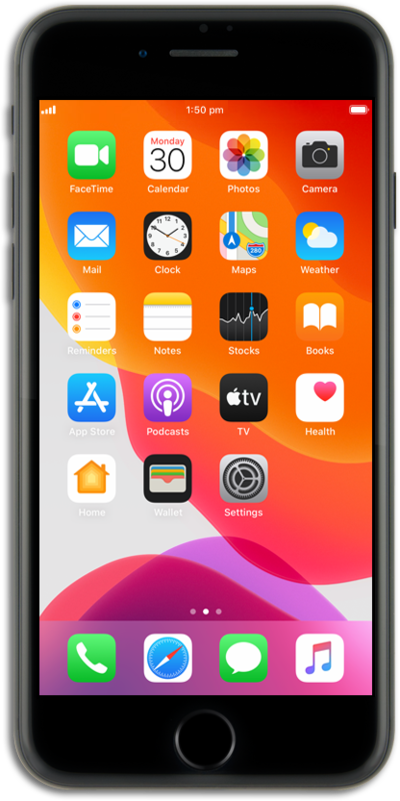
Follow along and familiarize yourself with how to listen to a voicemail on your device.
1.
From the Phone app, tap Calls.
2.
Tap the Menu icon.
3.
Tap Voicemail.
4.
Select a voicemail.
You can also tap Call to call your carrier's voice mailbox and access its settings.
5.
Tap the Play icon to listen to your voicemail.
6.
You've completed the steps!
