Insert or Remove SIM & Memory Card
Insert or Remove SIM & Memory Card
MicroSD/memory cards expand the storage capacity of the device and are sold separately. This device can use a microSD card up to 2TB.
In this tutorial, you will learn how to:
• Locate SIM tray
• Insert or remove SIM or MicroSD card
The  No SIM icon will be displayed in the Notification bar when there is no SIM card in the device.
Locate SIM tray
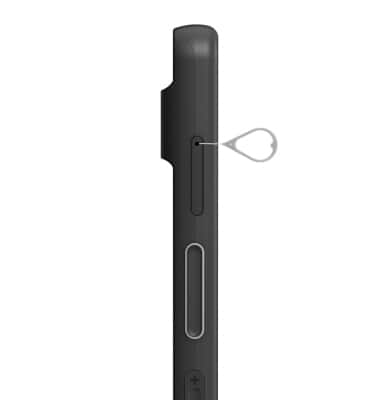
The SIM tray is located on the upper left side of the device. To insert a SIM or microSD card, insert a SIM tool into the small hole to eject the SIM & microSD tray.
Insert or remove SIM or MicroSD card
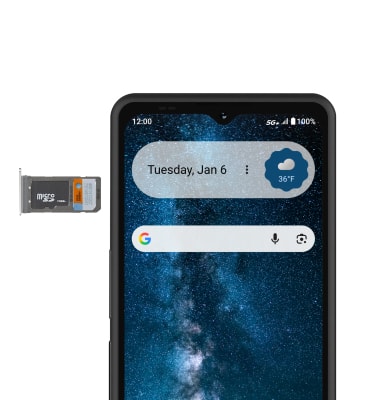
Insert or remove the Nano-SIM card into the SIM tray with the gold contacts facing down and the notched edge on the bottom left. Gently press the SIM card in until it clicks into place. Insert or remove the microSD card into the SIM tray with the gold contacts facing down and the notched edge on the bottom right.
Storage
Internal Memory: Up to 256GB External Memory: Up to 2TB