Viewing your account's call logs, text activity, and data usage for your wireless or internet accounts
Galaxy A15 5G
Viewing your account's call logs, text activity, and data usage for your wireless or internet accounts
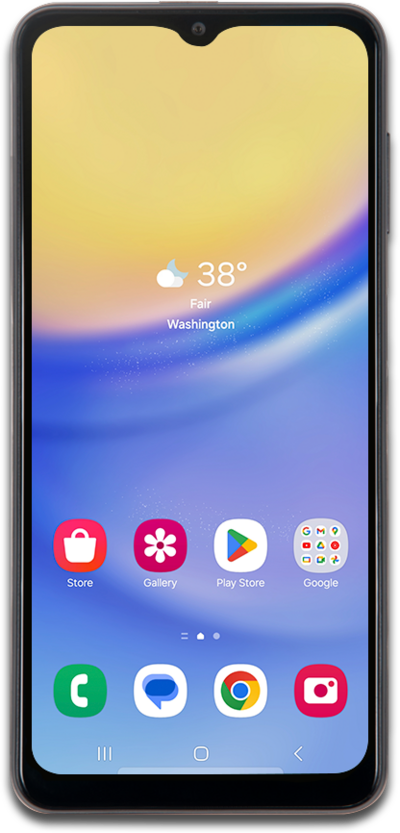
You can access and view your call history by going to the phone section of your device.
1.
From the Home tab, tap See bill details.
2.
Scroll to and tap Check out your data, call, and text activity.
3.
Scroll to and tap See usage details.
To switch between accounts, tap the Account dropdown to select between your Wireless or Internet accounts.
4.
You've completed the steps!
