Enabling auto updates for individual apps
Galaxy S25 Ultra
Enabling auto updates for individual apps
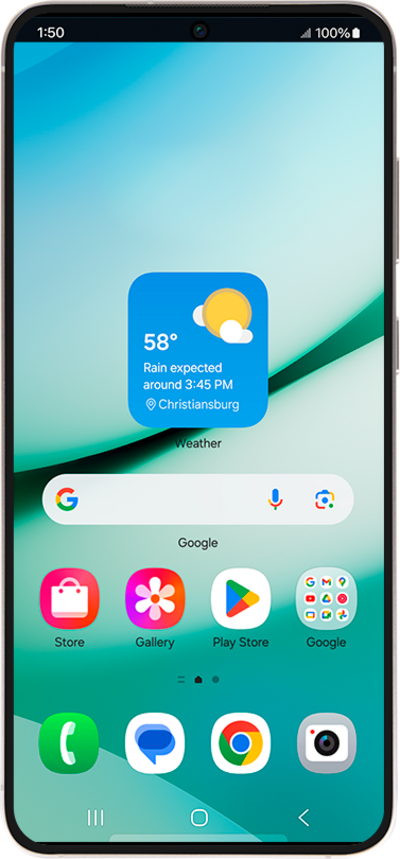
Follow along with this tutorial if you only want to enable automatic updates for certain individual apps.
1.
From the app you want to enable auto updates on, tap the Menu icon.
2.
Tap Enable auto update.
3.
Select your auto-update preferences for all of your apps.
4.
You've completed the steps!
