Setting an app timer
Galaxy Z Fold8 Ultra
Setting an app timer
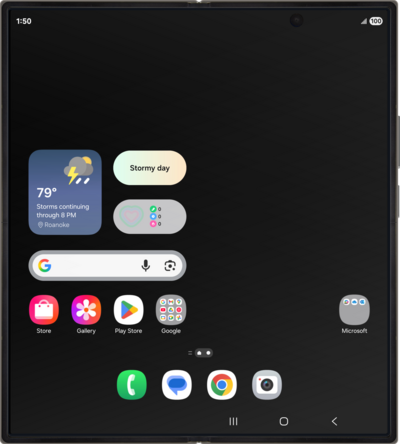
Learn how to set app timers on your device, which give you a way to set a maximum goal for how much time you'd like to spend in a particular app each day.
1.
From Settings, scroll to and tap Digital Wellbeing.
2.
Tap App timers.
3.
Tap Apps and app categories.
4.
Select the app you want to set a timer for.
5.
Tap Done.
6.
Tap Add schedule.
7.
Select your desired amount of time.
8.
Tap Save.
9.
You've completed the steps!
