Adding a new watch face
Galaxy Watch9
Adding a new watch face
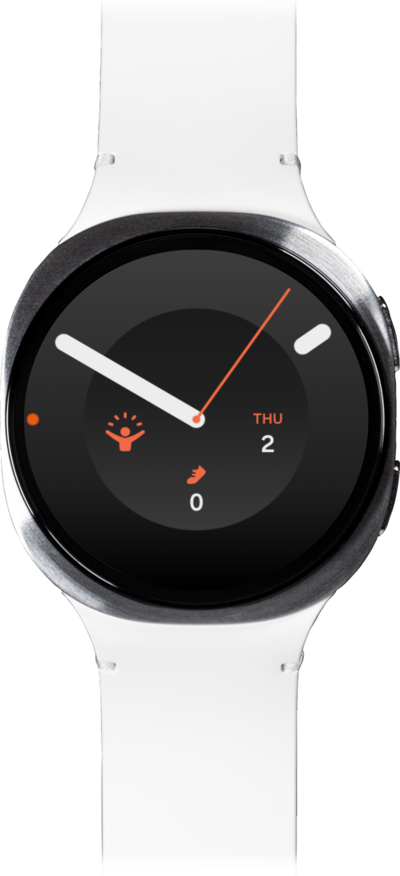
Learn how to set up a new watch face on your main screen. You can remove the watch face later if needed.
1.
From a watch face, touch and hold the display.
2.
Swipe from right to left until you reach Add.
3.
Tap Add.
4.
Select your preferred watch face.
You can scroll through this menu to find your preferred watch face.
5.
Tap your new Watch face to confirm your selection.
You can tap Customize to modify the color, watch hands, ticking sounds, or other style options, depending on the watch face selected.
6.
You've completed the steps!
