Changing your device’s name
Galaxy Watch9
Changing your device’s name
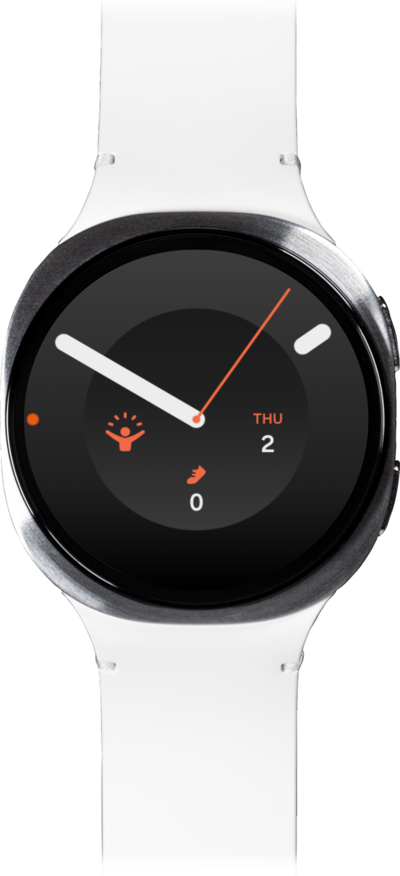
You can change the name of your device. This name will show up when you connect your device to a computer or wirelessly connect to another device.
1.
From the Samsung Wearable app, tap the Watch settings icon.
2.
Scroll to and tap About watch.
3.
Tap the Edit icon next to your watch's name.
4.
Enter a new name for your device, then tap Rename.
5.
You've completed the steps!
