Configuring location settings
iPad Pro 12.9-inch
Configuring location settings
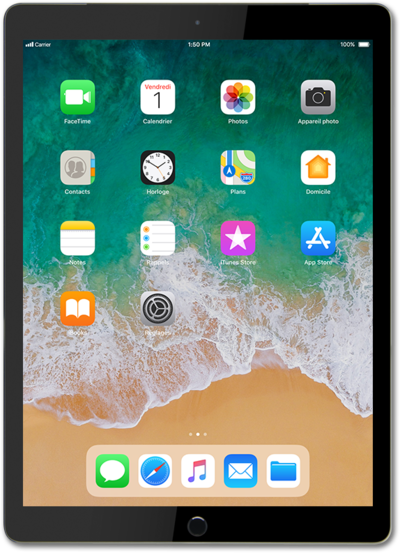
Sharing your GPS location with applications such as Maps can be turned on or off. You can change these location settings across your entire device or per app.
1.
From within the Settings app, scroll to and tap Privacy & Security.
2.
Tap Location Services.
3.
Tap or slide the Location Services switch to ON.
If you turn Location Services off, you won't be able to use apps or features that require your location.
4.
Select an app.
5.
Select your location access preference.
6.
You've completed the steps!
