Sharing your location in a messages conversation
iPad Pro 12.9-inch
Sharing your location in a messages conversation
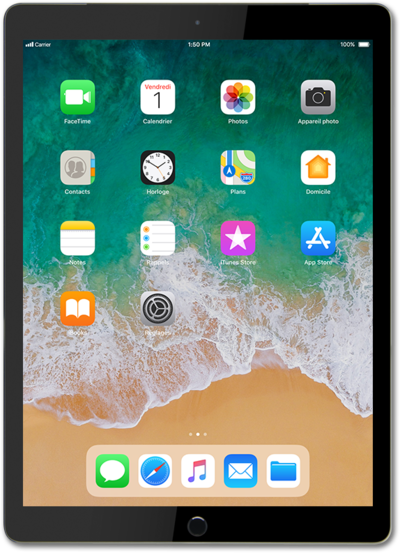
Send your current location to a contact via text. This can help them easily navigate to your location.
1.
From within the Messages app, select a conversation.
2.
Tap the Contact dropdown.
3.
Tap Share My Location.
4.
Select your preferred location sharing duration.
5.
You've completed the steps!
