Saving storage by offloading unused apps
iPad Pro 12.9-inch
Saving storage by offloading unused apps
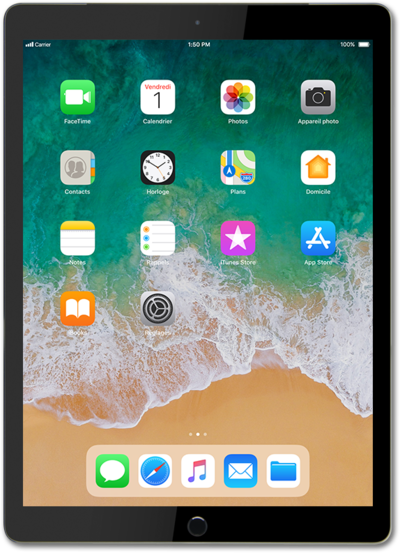
Enabling the Offload Unused Apps feature on your iPhone will automatically uninstall apps that are rarely used. This will help free up storage space on your device.
1.
From within the Settings app, tap iPad Storage.
2.
Tap Enable next to Offload Unused Apps.
This will automatically offload unused apps from iPad when you're low on storage.
3.
You've completed the steps!
