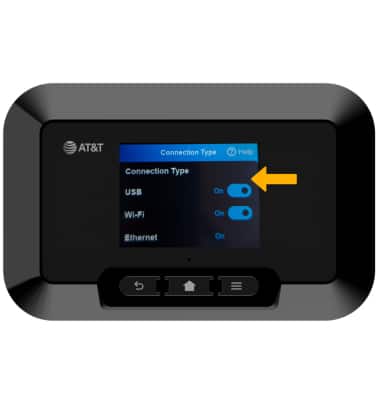
Connect Using Ethernet
A70 (RG3102)
Connect Using Ethernet
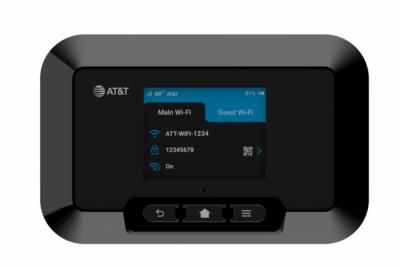
How to connect your device to the internet via Ethernet.
In this tutorial, you will learn how to:
• Connect to Ethernet
• Change connection type
Connect to Ethernet
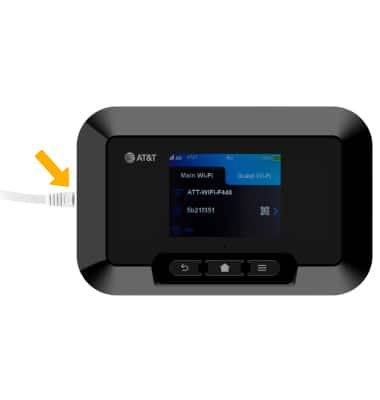
1. Insert the ethernet cable into the Ethernet port on the left side of the device.
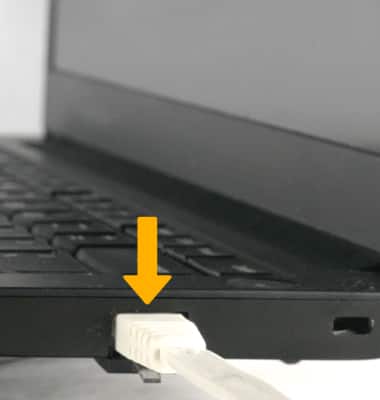
2. Connect the other end of the Ethernet cable to your device.
Change connection type
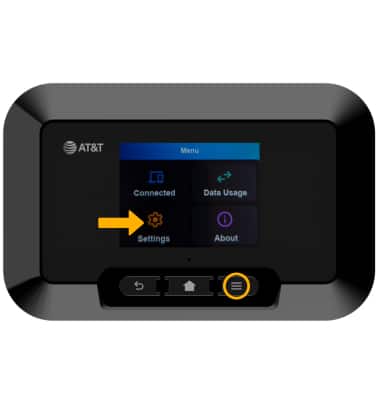
1. From the Device home screen, press the Menu button, then select Settings.
2. Select Connection Type.
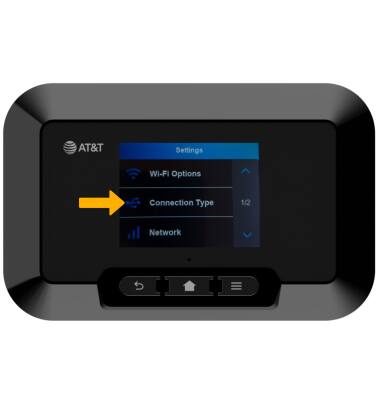
3. Select the switch next to the desired connection type to enable or disable.