Setting your volume levels with the volume panel
Galaxy S26 FE
Setting your volume levels with the volume panel
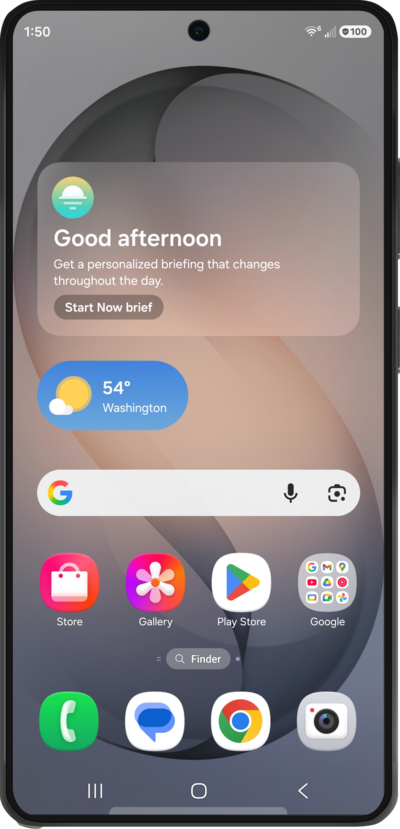
Learn how to adjust the volume of your device.
1.
Tap a Volume button on the side of your device.
Your device may look different from the image shown, but the steps are the same for all Samsung models.
2.
Tap the Menu icon.
3.
Select your preferences.
From this screen, you can switch media output and set volume levels for each media, calls, notifications, and more.
4.
You've completed the steps!
