Multitask faster with Bubbles
Pixel 10 Pro XL
Multitask faster with Bubbles
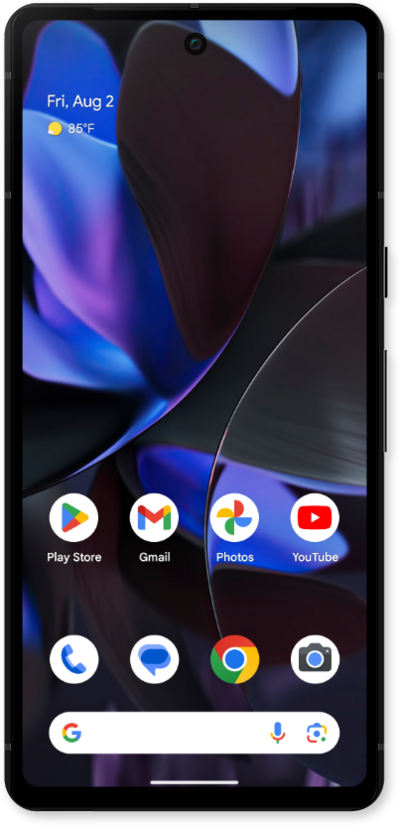
Bubble Multitasking (or App Bubbles) expands the concept of notification chat bubbles to virtually any app on your phone. Instead of restricting bubbles to messaging conversations, bubble multitasking allows you to convert full applications—such as Gmail, Notes, Maps, or AI assistants—into floating, resizable mini-windows that sit on top of whatever else you are doing.
1.
In order to create a bubble, tap and hold an app on your Home screen.
For this tutorial we will be using the Google messages app.
2.
Tap Bubble.
This will load your app onto your screen while retaining the content on the original screen.
3.
From here you can interact with your bubbled app as needed with quick and easy switching between apps.
- Manage - From here you can dismiss any bubbles you are done using.
- Plus icon - From here you can view your history of recently used and dismissed bubbles.
4.
Tap outside the app bubble to return to the Home screen.
While the bubble is minimized the bubble can be moved anywhere on your screen.
5.
Tap on an app you'd like to use with your bubbled app.
The bubbled app will remain as a selectable icon on your Phone until you dismiss the app. Add any app bubbles for faster multitasking with your Phone.
6.
You've completed the steps!
