Turning mobile data on or off
Pixel 8 Pro
Turning mobile data on or off
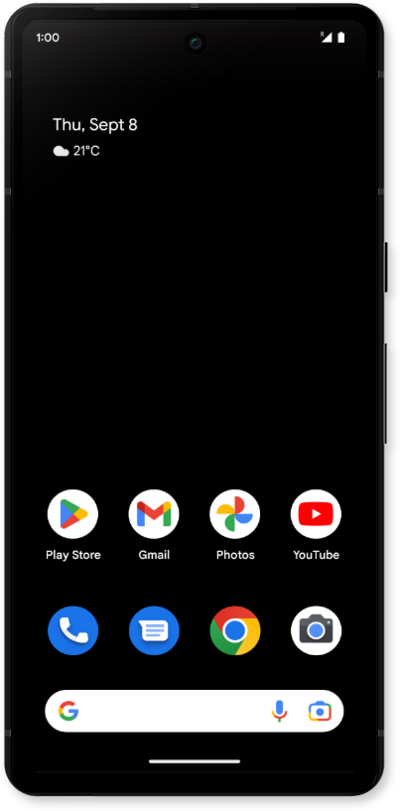
Mobile data connects your phone to the internet through your network when Wi-Fi isn't available. Toggling it off and back on is also a quick fix for connection issues, like slow speeds, stuck signals, or apps that won't sync. Follow the steps below to turn it on or off.
1.
From within the Settings app, tap Network & internet.
2.
Tap SIMs.
3.
Tap or slide the Mobile data toggle switch to ON.
4.
You can also adjust your mobile data settings from the Home screen by swiping down from top edge of the screen.
5.
Swipe down to access the quick settings.
6.
Swipe right to left to access the mobile data toggle.
7.
Tap the Mobile data toggle button.
8.
Tap Turn on.
9.
You've completed the steps!
