Resetting your phone's settings (factory reset and more)
Pixel Fold
Resetting your phone's settings (factory reset and more)
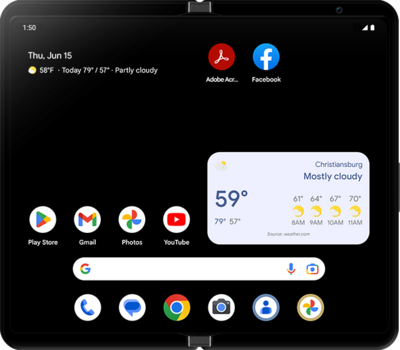
A factory reset will erase all data from your device and is irreversible. This is good to do if you are going to trade in or sell your device. It will wipe all of your personal information from the device.
1.
From the Settings app, scroll to and tap System.
2.
Scroll to and tap Reset options.
3.
Tap Erase all data (factory reset).
If you’d rather not do a full factory reset, you can choose from the following reset options instead:
- Reset Mobile Network Settings: Restores all mobile network-related settings to default, including data, roaming, and APN configurations.
- Reset Bluetooth & Wi-Fi: Clears all saved Wi-Fi networks, passwords, and paired Bluetooth devices.
- Reset app preferences: Resets app defaults, disabled apps, background restrictions, and notification preferences—without deleting any app data.
- Erase eSIMs: Deletes all eSIM profiles from your device. You'll need to re-download them to reconnect to cellular networks.
- Erase all data (factory reset): Removes all data from your device and returns it to its original factory settings.
4.
Tap Erase all data. Follow the remaining steps to successfully factory reset.
5.
You've completed the steps!
