Turning your Wi-Fi on and off
Pixel 8 Pro
Turning your Wi-Fi on and off
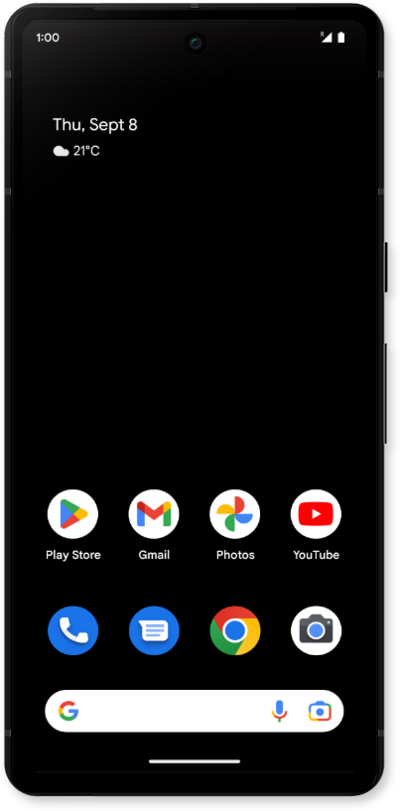
Stay connected. Follow this guide to scan for available networks and securely join your home Wi-Fi.
1.
From the Settings app, tap Network & internet.
2.
Tap Internet.
3.
Tap or slide the Wi-Fi switch to ON.
4.
Select the Wi-Fi network you'd like to connect to.
Wi-Fi hotspots may have security limitations, requiring a password. If necessary, enter the network password.
5.
Tap the Settings cog icon beside your Wi-Fi network.
6.
From this screen, you can perform a variety of actions to manage your Wi-Fi connection:
- Forget - Select this option to remove the network from your device. You can re-add it later, but will need to enter its security information again.
- Disconnect - Select this option to disconnect your device from a network connection. You can reconnect at any time by selecting the network again.
- Share - Select this option to share your Wi-Fi network with another device by either using the provided QR code or with the Quick share connection to another device.
7.
You've completed the steps!
