Using split-screen and saving app pairs
Pixel 11 Pro XL
Using split-screen and saving app pairs
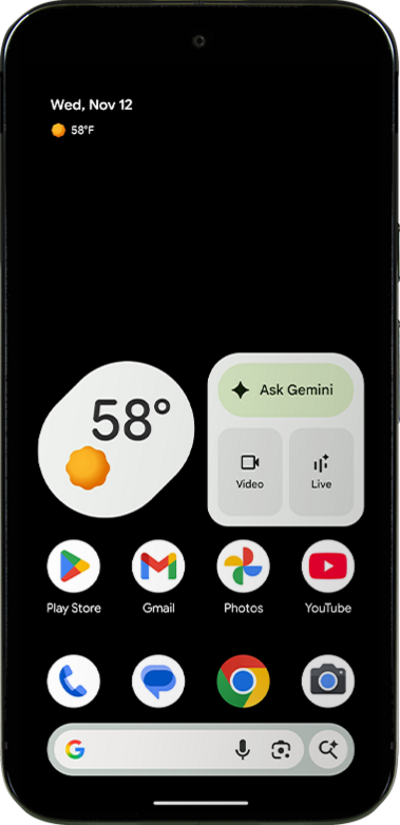
Learn how to save certain split-screen app layouts to your home screen.
1.
From the Home screen, swipe up from the bottom of the screen to open recent apps.
2.
Tap the top icon of a recent app.
3.
Tap Split screen.
4.
Select another app to start using split-screen
5.
To save a split-screen pair you use regularly, swipe up from the bottom of the screen and pause halfway.
6.
Tap the top icon of the app pair.
7.
Tap Save app pair.
This will be added to your home screen and can also be pinned to your taskbar.
8.
You've completed the steps!
