Setting your volume and ringtone levels
Setting your volume and ringtone levels
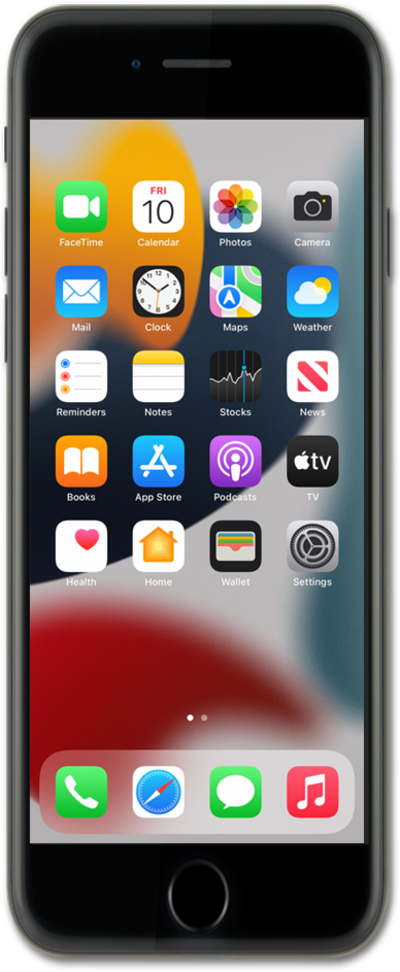
Press the Volume Up or Volume Down button on the side of your iPhone to adjust the volume.
To access additional volume controls, from the Settings app, scroll to and tap Sounds & Haptics.
Drag the Ringtone and Alerts slider to adjust the ringtone and alert volume.
Tap or slide the Change with Buttons switch to control whether the volume buttons also adjust the ringtone and alert volume.
To set separate volume levels, tap or slide the Match Ringtone Volume switch to off, then drag the Alarms and Timers and Alerts and System Sounds sliders to the preferred levels.
The Alarms and Timers volume does not affect the Wake-Up alarm or other alarms with their own volume control.
To limit the maximum volume of your iPhone's built-in speaker, scroll to and tap Volume Limit.
Tap or slide the Limit Maximum Volume switch to on, then drag the slider to the preferred maximum volume.
To manage headphone volume, tap Back, then scroll to and tap Headphone Safety.
Tap or slide the Reduce Loud Audio switch to on, then drag the slider to the preferred maximum volume.
You've completed the steps!
