Setting content, purchase, and browsing restrictions
Setting content, purchase, and browsing restrictions
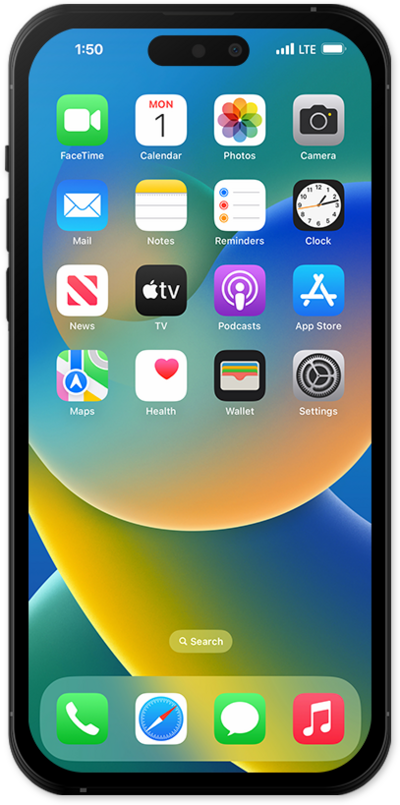
From Settings, scroll to and tap Screen Time.
You may need to turn on Screen Time. If necessary, tap Turn On Screen Time and select your preferences.
Scroll to and tap Content & Privacy Restrictions.
Tap or slide the Content & Privacy Restrictions switch to ON.
Select a content type to edit restrictions for it.
You can manage settings for purchases, apps and features, stores, media, web, Siri, and more.
Select your preferences.
Tap the Back button until you return to Screen Time.
Tap Apps & Websites.
From here, you can allow or block individual apps and websites, or manage additional restrictions.
Tap Restrictions.
Select your preferences.
You can manage app age ratings, installing and deleting apps, in-app purchases, website filtering, Game Center features, and more.
You've completed the steps!
