Adjusting apps and widgets on the Home screen
Galaxy A12
Adjusting apps and widgets on the Home screen
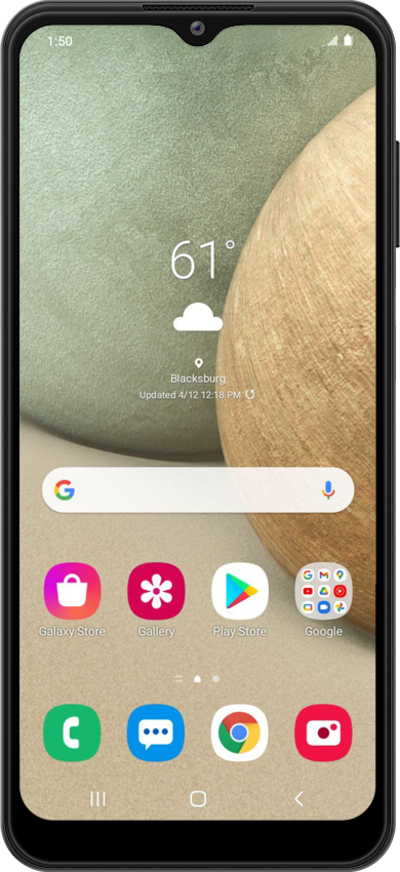
You can move and resize your widgets to be the most convenient for you. Learn how to adjust widgets on the home screen or move them to a new home screen.
1.
From the Home screen, touch and hold the widget you'd like to move.
For this tutorial, we're moving a widget. The steps to move an app are the same.
2.
Drag the widget to the desired location.
You can move a widget or app to another Home screen by dragging it to the edge of the screen.
3.
You've completed the steps!
