Samsung Galaxy A12 Device Help & How-To Guides
Samsung

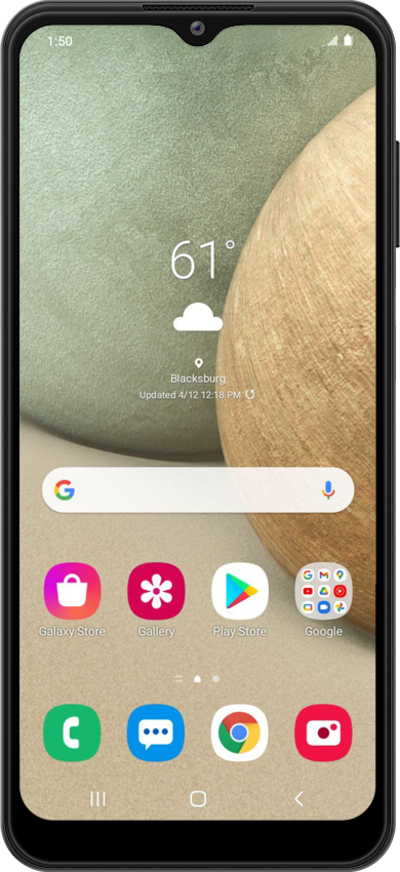
Galaxy A12

What would you like to learn about your device?

Trending Galaxy A12 topics

Using power saving mode

Use emergency power saving mode when your device is low on battery and you still need to be able use some functions on your device.
Explore

Resetting network settings

If you are having trouble connecting to the Internet you may need to reset your network connections. Resetting your network connections will disconnect any Bluetooth devices connected to your device and disconnect your device from any Wi-Fi networks it is connected to.
Explore

Using the Notification panel

Alerts and notifications are displayed in the notification panel. Familiarize yourself with how to view and clear the notifications that you have received from your notification panel.
Explore

Performing a factory reset

A factory reset will erase all data from your device and is irreversible. This is good to do if you are going to trade in or sell your device. It will wipe all of your personal information from the device.
Explore

Common issues and fixes