Adjusting Safari's settings
iPad Pro (M5)
Adjusting Safari's settings
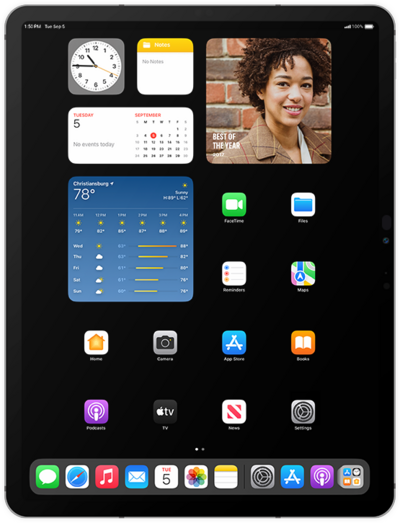
Settings that you can configure include the search engine your browser uses, auto-fill form information, saved passwords, and more.
1.
From within the Settings app, scroll to and tap Apps.
2.
Scroll to and tap Safari.
3.
Scroll to the PRIVACY & SECURITY section.
4.
Select your preferences.
5.
You've completed the steps!
