Adjust your watch's sound and vibration settings
Watch Series 12
Adjust your watch's sound and vibration settings
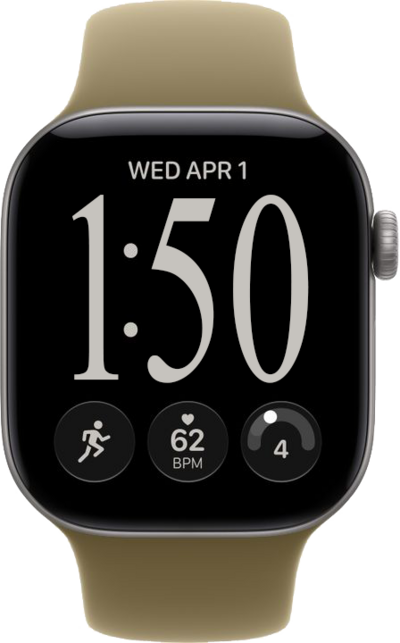
You can change the sound settings on your watch by navigating to your watches settings.
1.
From the Settings app, scroll to and tap Sounds & Haptics.
2.
From this screen, you can manage several options.
- Silent Mode: Enable this option if you don't want notifications to cause sound alerts.
- Automatically Adjust Volume: When enabled volume will automatically adjust and when disabled a sound bar shows beneath the toggle and allows the user to set volume levels for your watch.
- Ringtone: Change the ringtone your watch plays when you receive calls, text and email notifications, and other alerts or reminders.
3.
You've completed the steps!
