Using power saving mode
Galaxy S10e
Using power saving mode
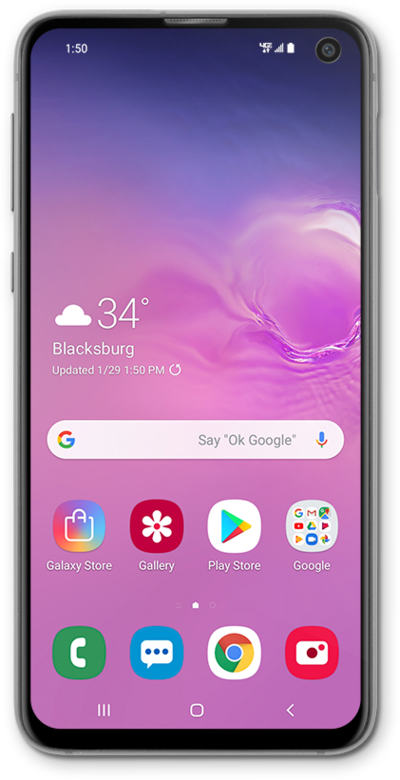
Use emergency power saving mode when your device is low on battery and you still need to be able use some functions on your device.
1.
From the Home screen, drag down the Notification panel.
Power saving mode saves battery power by limiting access to certain apps, including the flashlight. You can also send your location or a text message to an emergency contact.
2.
Drag down the Quick Settings panel.
3.
Tap the Power saving icon.
4.
To turn off Emergency mode, tap the Power saving icon again.
5.
You've completed the steps!
