Set up Family Sharing
iPhone 12 mini
Set up Family Sharing
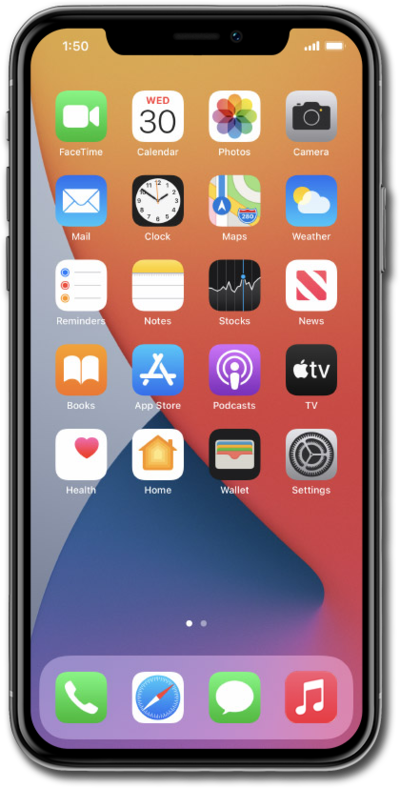
Follow along with this tutorial to familiarize yourself with the available Family Sharing Settings, such as Subscriptions, Purchase Sharing, and Location Sharing.
1.
From the Settings app, select your Apple ID account.
2.
Tap Family.
3.
Tap Continue.
4.
Tap Invite Others.
You can also select Create a Child Account, your child's birthday is used to set up age-appropriate services and parental controls.
5.
Select a method to send an invitation to a family member.
6.
To add more members to you family, tap the Add icon and follow the on-screen prompts.
7.
To check the status or resend an invitation select the Person name/account.
8.
You've completed the steps!
