Screening calls before you answer
Galaxy A51 5G UW
Screening calls before you answer
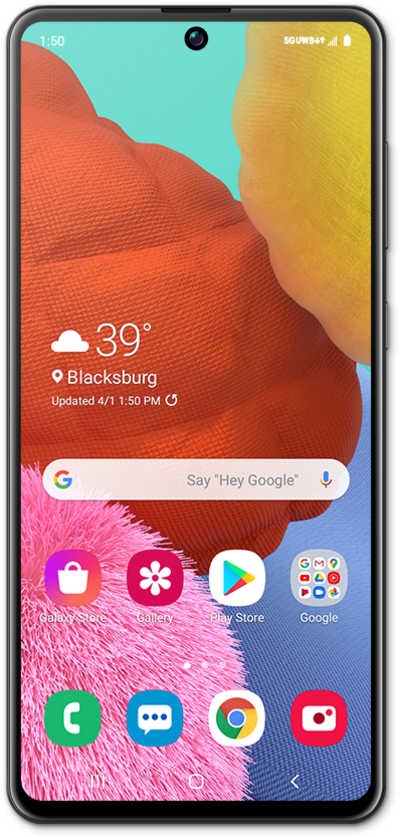
If you are unable to take a phone call, you can ignore the phone call and reply with a text to let the caller know you are unable to talk at that time.
1.
From an incoming call, drag up the Send message bar.
2.
Tap Write a new message.
To respond quickly, you can also select one of the available preprogrammed responses.
3.
Enter your message.
4.
When you're finished, tap the Send icon.
5.
You've completed the steps!
