Preparing to ship your iPhone 18 Pro Max
Preparing to ship your iPhone 18 Pro Max
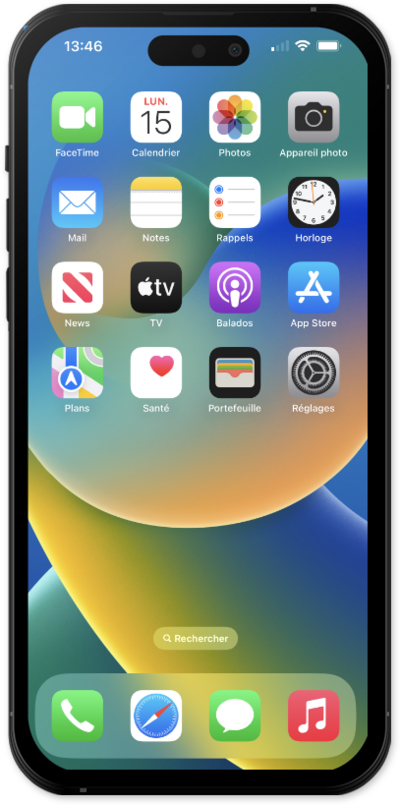
From the Settings app, scroll and tap General.
Scroll to and tap Transfer or Reset iPhone.
Tap Prepare to Ship.
Select Other for the reason you're shipping your iPhone.
Contact Apple or the company you’re planning to ship your iPhone to. Sometimes, companies have steps for you to complete before you enable Prepare to Ship.
If prompted, enter your Apple Account password, then tap Enable Repair or Trade In.
Select Erase iPhone, and follow the on-screen instructions until your iPhone is ready to ship.
If you've erased your iPhone, you can find your Prepare to Ship status on the Hello screen, tap the Info button. You will see Yes next to “Ready to Ship” when “Prepare to Ship” is enabled. The instructions may vary depending on the reason you selected for shipping your iPhone.
When Ready to Ship appears, tap Done.
You've completed the steps!
