Transferring content from your old device with a wireless connection
Galaxy S10e
Transferring content from your old device with a wireless connection
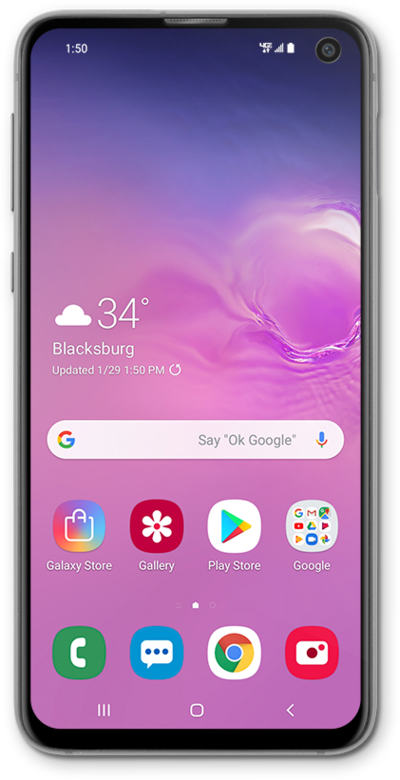
Using a wireless connection, you can move your pictures, videos, and other media files from your old device to your new device.
1.
From the Home screen, swipe up to view your apps.
2.
Swipe to Settings.
3.
Tap Settings.
4.
Scroll to Accounts and backup.
5.
Tap Accounts and backup.
6.
Tap Bring data from old device.
7.
Tap Send data.
8.
Tap Wireless.
After this step, select your old device type and follow the onscreen prompts to begin transferring your old content.
9.
You've completed the steps!
