Navigating to a website
XP5plus
Navigating to a website
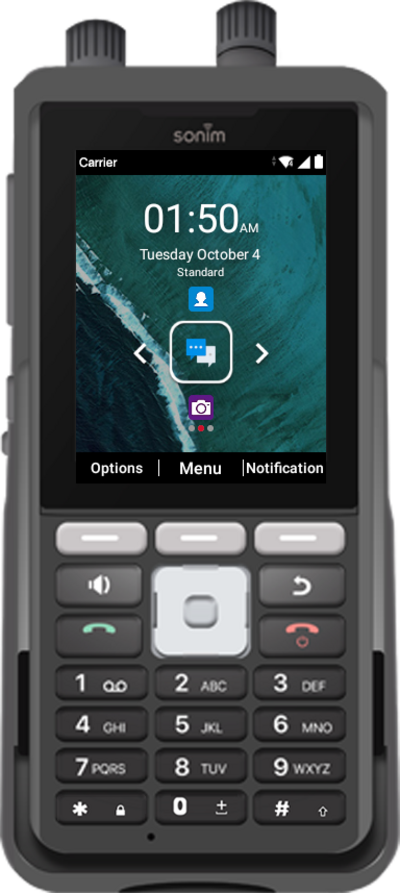
Use a browser on your device to access and navigate the internet. You can search the web or enter a URL to go directly to a webpage.
1.
From the Home screen, press the Middle button.
2.
Navigate to Browser.
3.
Press the Select button.
4.
Using the Navigation buttons, move the mouse icon to the URL field.
5.
Select the URL field.
6.
Enter a web address or search terms.
7.
Press the Select button.
The website or search results will display after this step.
8.
You've completed the steps!
