Using Emergency Reset to stop sharing your location and data with all people and apps
iPhone XS
Using Emergency Reset to stop sharing your location and data with all people and apps
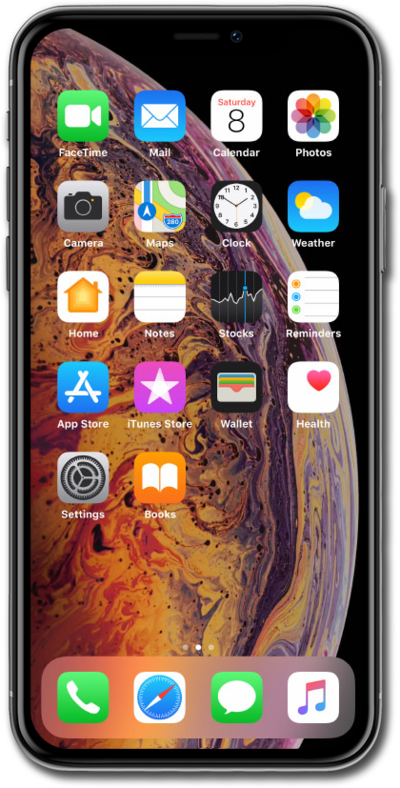
Emergency Reset is a Privacy and Security feature that allows you to quickly revoke access from all people and apps, change your Apple ID password, and add or remove emergency contacts.
1.
From the Settings app, scroll to and tap Privacy & Security
2.
Scroll to and tap Safety Check.
3.
Tap Emergency Reset.
4.
Enter your iPhone Passcode.
5.
Tap Start Emergency Reset.
Follow the on screen prompts to continue the Emergency Reset process.
6.
You've completed the steps!
