Assigning a picture to a contact
Phoenix 5
Assigning a picture to a contact
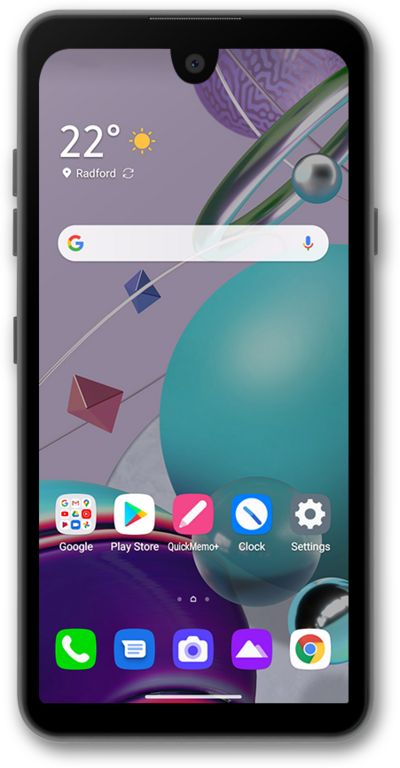
Set pictures to the contacts on your device to make it easier to tell who a text, email, or phone call is from at a glance.
1.
From the Contacts app main screen, select the contact you'd like to assign a picture to.
2.
Tap the Edit icon.
3.
Tap the Picture icon.
4.
Tap Select from Gallery.
5.
Select an album.
6.
Select the photo you'd like to use.
7.
Drag the blue borders to crop the image as desired.
8.
Tap Done.
9.
Tap Save.
10.
You've completed the steps!
