Managing app power usage and force closing apps
Galaxy A11
Managing app power usage and force closing apps
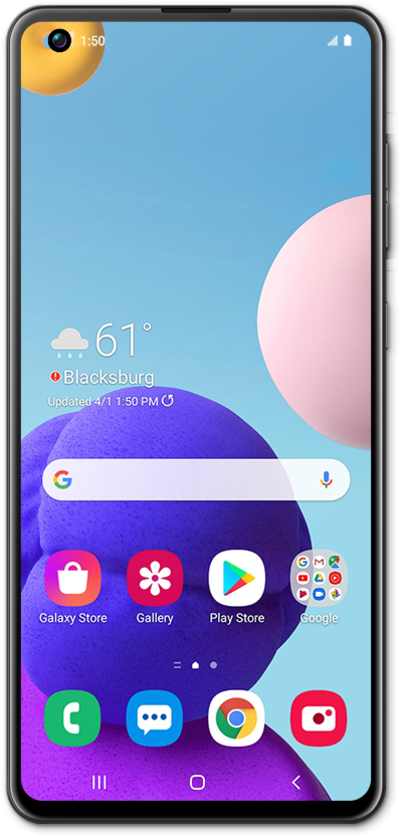
You can set battery usage allowances for certain apps on your device. If an app is using too much battery life or is behaving incorrectly, you can force stop the application.
1.
From the Settings screen, scroll to Apps.
2.
Tap Apps.
3.
Select an app.
4.
Tap Battery.
From this screen, you can view details about how your battery power is being used by the selected app.
5.
Tap Force stop.
6.
Tap OK.
7.
You've completed the steps!
