Sending an audio message
Axel
Sending an audio message
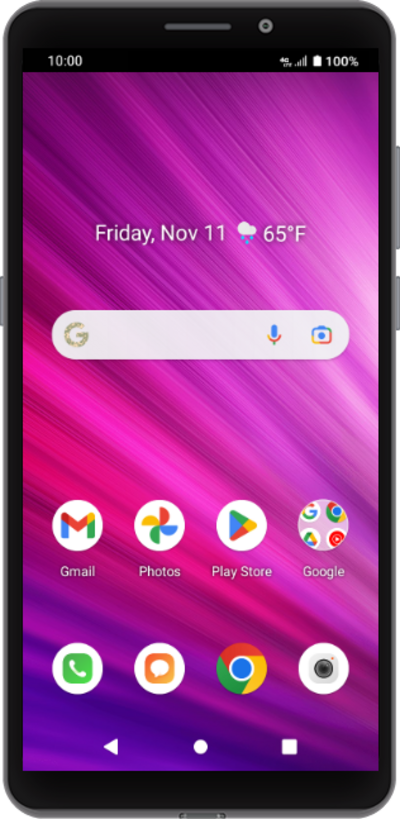
Discover how to send a text message with your voice using the speech to text feature on your device.
1.
From the Messaging app main screen, tap the New message icon.
2.
Enter a contact's name.
3.
Select the preferred number for the contact.
4.
Tap the Attach icon.
5.
Tap the Microphone icon.
6.
Tap and hold the new Microphone icon to start recording your message.
If necessary, follow the onscreen prompts to give Messages the appropriate permissions.
7.
Dictate your message.
When you release the Microphone icon, your audio recording will be added to the current message as an attachment.
8.
When you're finished, tap the MMS icon.
9.
You've completed the steps!
