Managing widgets.
iPhone 6S Plus
Managing widgets.
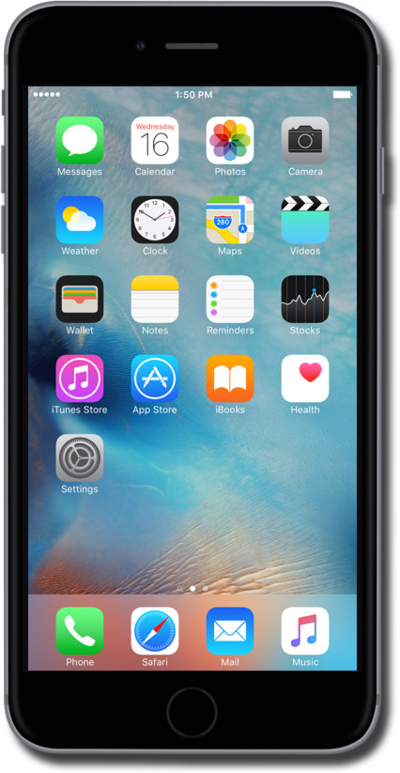
You can add, remove, or reorder your widgets. Learn how to customize the widgets on your home screen.
1.
From the Home screen, swipe from left to right to access your widgets panel.
2.
Touch and hold an empty space on the screen.
3.
Touch and hold a widget.
4.
Drag a widget to reorder it.
5.
Press the Home button.
6.
You've completed the steps!
