Using search on iPhone
iPhone 6S Plus
Using search on iPhone
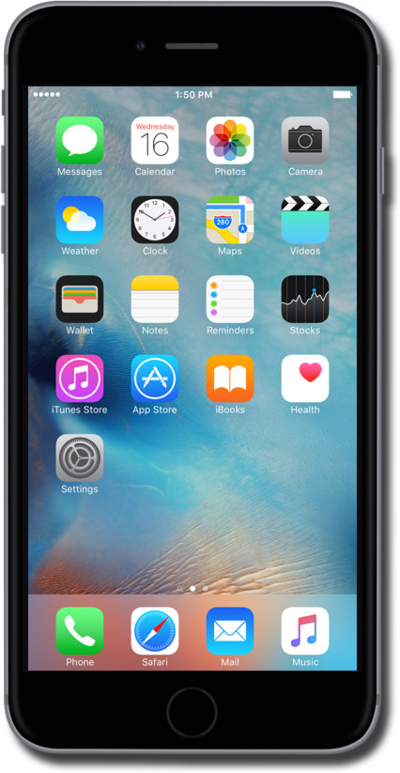
Learn to use the search function on your phone. You can use your phone to search contacts, apps, the web, and more.
1.
From the Home screen, swipe from left to right.
2.
Tap the Search field.
3.
Enter a search item.
You can use iPhone to search contacts, apps, the web, and more.
4.
You've completed the steps!
