Editing Home screen pages
iPhone 6S Plus
Editing Home screen pages
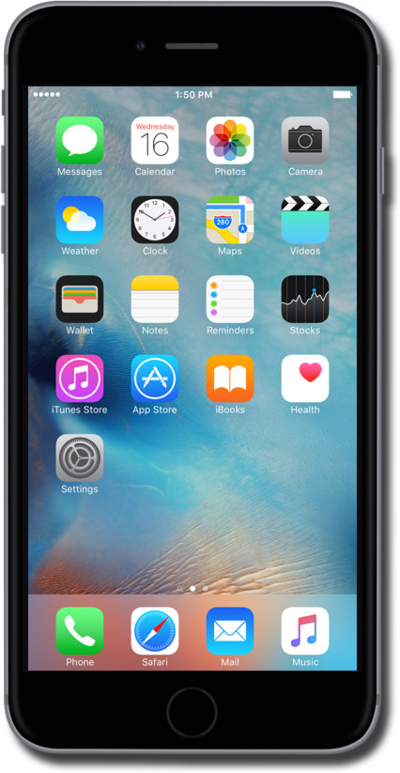
You can rearrange or move applications to a new or different home screen. Your device can have multiple home screens to suit your needs.
1.
From the Home screen, touch and hold an empty space.
2.
Tap the Edit Pages icon.
3.
Tap the Check mark icon to hide a page.
4.
Tap the Home button.
5.
Tap the Home button again.
6.
To show the page again, touch and hold an empty space on the Home screen.
7.
Tap the Edit Pages icon.
8.
Tap the Circle icon to unhide a page.
9.
Tap the Home button.
10.
Press the Home button.
11.
You've completed the steps!
