Finding your IMEI/Device ID
Galaxy Tab A7 Lite
Finding your IMEI/Device ID
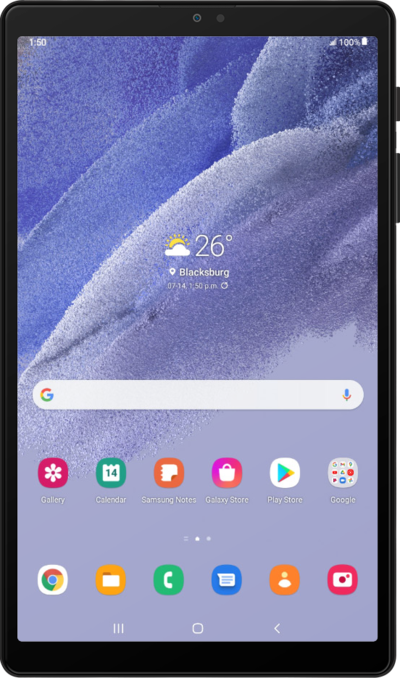
Discover where to find your device's IMEI. In some instances, your IMEI number is also your Device ID number.
1.
From the Home screen, tap the Settings icon.
2.
Scroll to About tablet.
3.
Tap About tablet.
Your About screen may differ from what is shown. If necessary, tap Status or SIM Status in the About screen to view your IMEI.
4.
You've completed the steps!
