Adding and removing contacts from EasyHome favorites
G8X ThinQ
Adding and removing contacts from EasyHome favorites
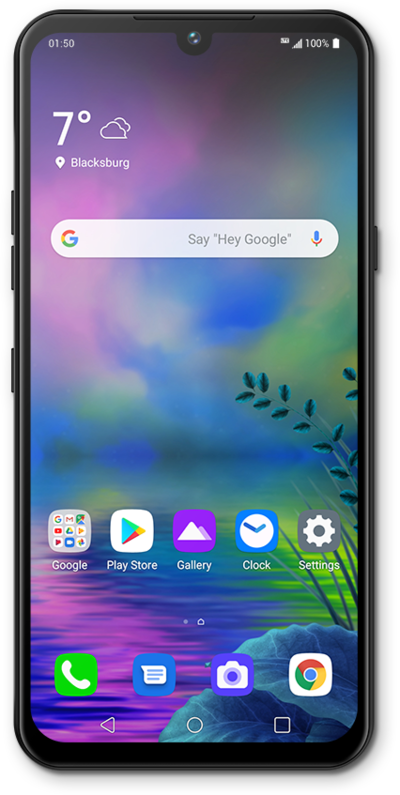
While in Easy mode, your Home Screen will have a page for all your favorite contacts. You can add and remove contacts from your favorites page.
1.
From the Home screen, tap the Add icon.
2.
Select a contact to add.
Your contact will automatically be added to the Home screen.
3.
To remove a contact from the Home screen, tap the contact you'd like to remove.
4.
Tap Remove shortcut.
5.
Tap Remove.
6.
You've completed the steps!
