Switching back to Standard Mode
G8X ThinQ
Switching back to Standard Mode
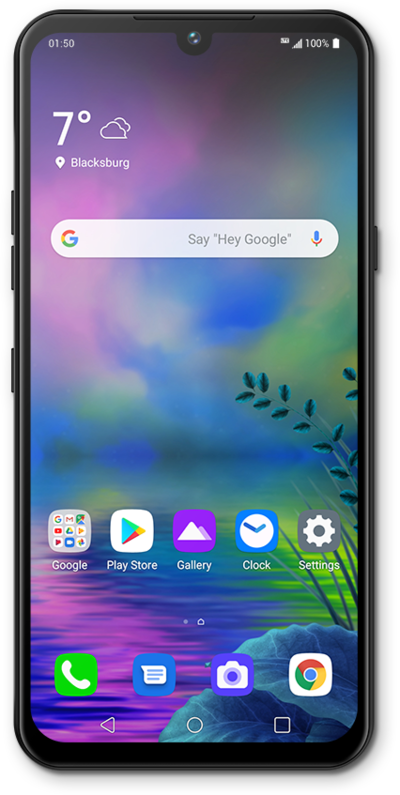
See how to switch back to Standard mode from Easy mode on your device. You can switch back to Easy mode later if you change your mind.
1.
From the Home screen, touch and hold an empty space.
2.
Tap Home screen settings.
3.
Tap Select Home.
4.
Tap Home.
5.
Tap Apply.
6.
You've completed the steps!
