Accessing and clearing the EasyHome Notification panel
G8X ThinQ
Accessing and clearing the EasyHome Notification panel
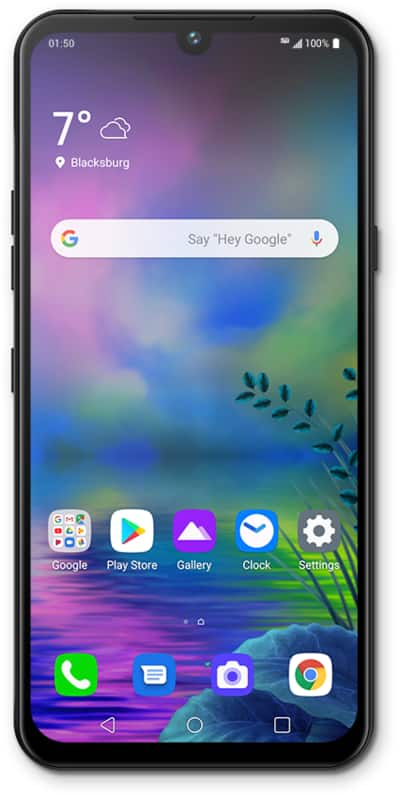
Discover how to access and clear the Notification Panel while in Easy mode on your device.
1.
From the Home screen, drag down the Notification Panel.
2.
Swipe a notification left or right to dismiss it.
3.
To dismiss all notifications, tap CLEAR ALL.
You can also close the Notification Panel by swiping up from the bottom of your screen
4.
You've completed the steps!
