Calling a contact
Moto G Power 2022
Calling a contact
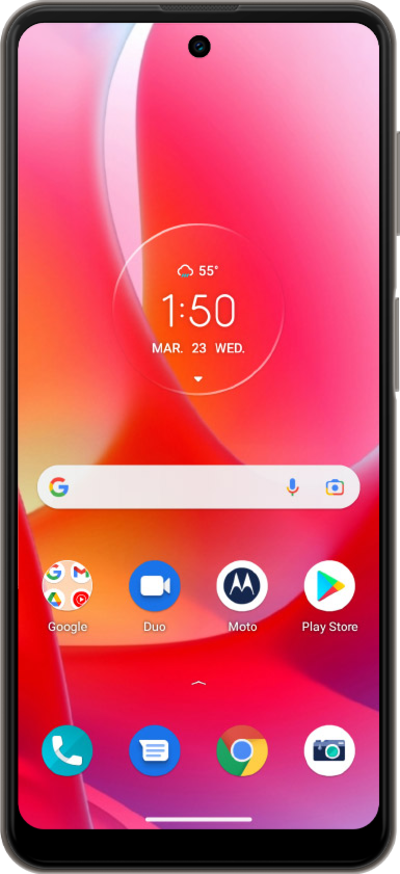
Use your saved contacts to place a call rather than typing out their number from memory.
1.
From the Phone app, tap Contacts.
2.
Select the contact you'd like to call.
3.
Tap the Call icon.
4.
You've completed the steps!
