Removing an account
Moto G Pure
Removing an account
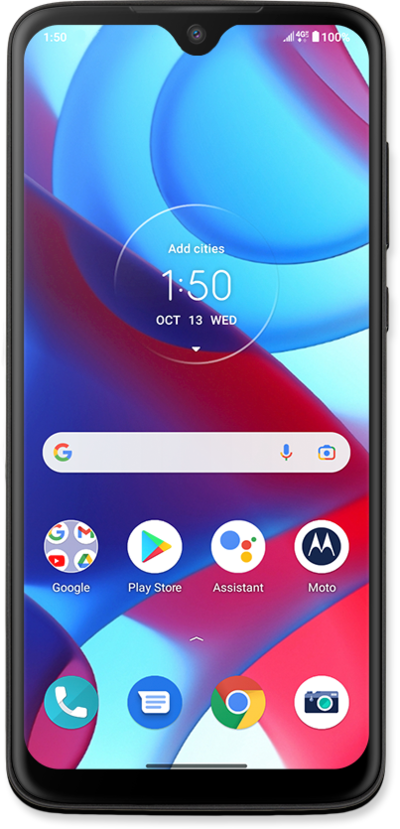
You are able to remove any email accounts that you have set up on your device. Removing an email account from your device does not delete the email account.
1.
From the Settings app, scroll to Passwords & accounts.
2.
Tap Passwords & accounts.
3.
Select the account you'd like to remove.
4.
Tap Remove account.
5.
Tap Remove account again.
6.
You've completed the steps!
