Inserting and Removing the SD Card
Galaxy S3
Inserting and Removing the SD Card
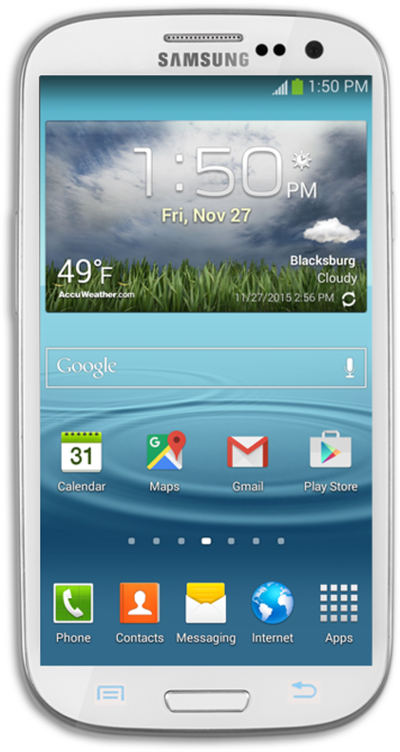
Discover how to insert a microSD card into your device to get additional room to store photos, videos, music, documents, and more.
1.
Carefully remove the back cover from the phone.
2.
Insert or remove the microSD card from the slot.
3.
Replace the back cover and push on the sides to make sure the back cover is secure.
4.
You've completed the steps!
