Managing Data Usage
Galaxy S3
Managing Data Usage
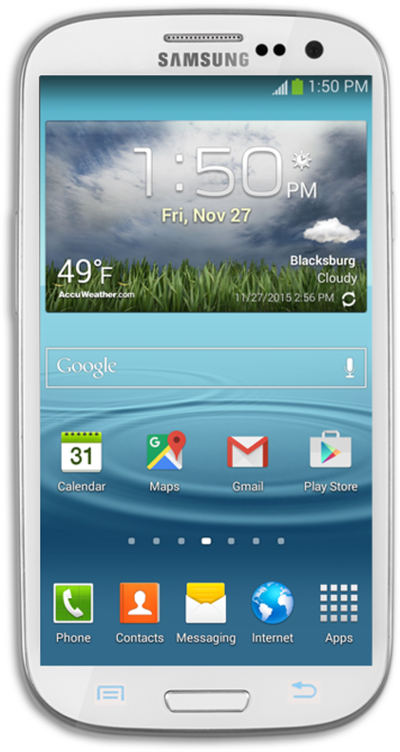
You can view how much cellular data each of your apps has used and temporarily prevent them from accessing cellular data.
1.
From the Home screen, drag down the Notification Panel.
2.
Tap the Settings icon.
3.
Tap Data usage.
4.
Tap Set mobile data limit.
5.
Tap OK.
6.
Drag the Orange bar on the graph to set your data warning.
7.
Drag the Red bar on the graph to set your data limit.
8.
You've completed the steps!
