Setting a Reminder
Galaxy S3
Setting a Reminder
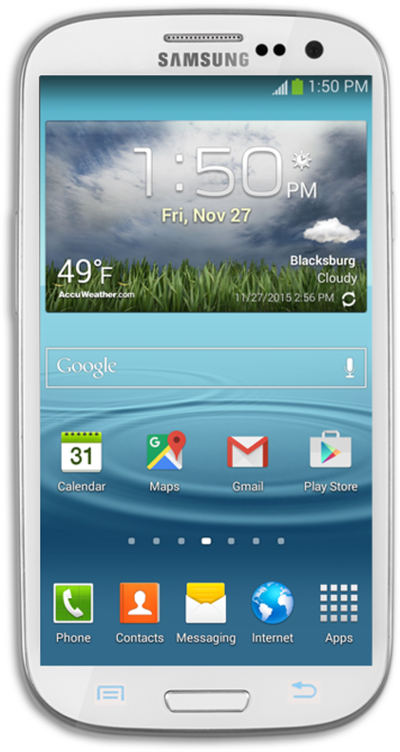
Your Google Now assistant can be set up to send you reminders based on a time or a place.
1.
From the Google Now main screen, tap the Navigation icon.
2.
Tap Reminders.
3.
Tap the Plus sign icon.
4.
Tap the Title field.
5.
Enter an event title.
6.
Tap the Time button.
7.
Tap the Date field.
8.
Tap Set date.
9.
Select a date.
10.
Tap Done.
11.
Tap the Time field.
12.
Tap Set time.
13.
Set the event time.
14.
Tap Done.
15.
Tap the Check mark icon.
16.
You've completed the steps!
