Inserting and Removing the SD Card
Inserting and Removing the SD Card
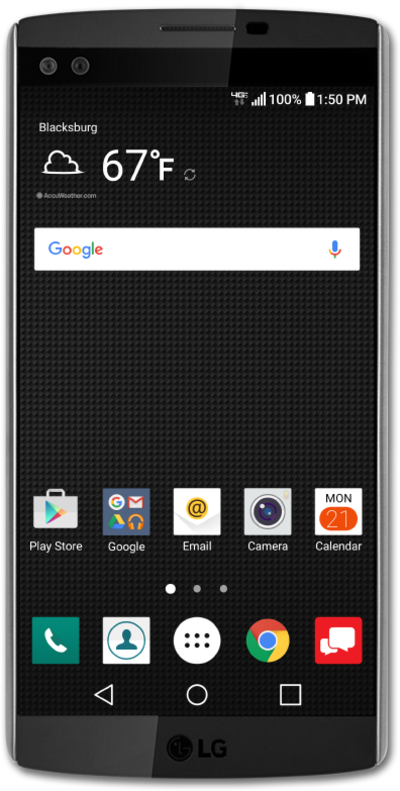
A microSD card can increase your available storage, providing additional room to store photos, videos, music, documents, and more. Learn how to insert a microSD card into your device.
1.
Remove the phone's back cover by placing a fingernail in the notch on the bottom of the phone and gently lifting the back.
2.
Gently remove the phone's battery.
3.
Slide the microSD card firmly into its slot.
4.
Place the battery back into its slot.
5.
Align the back cover with the phone and gently press down on each corner of the cover until it snaps into place.
6.
Remove the phone's back cover by placing a fingernail in the notch on the bottom of the phone and gently lifting the back.
7.
To remove the microSD card, gently remove the battery.
8.
Slide the microSD card out of its slot.
9.
Place the battery back into its slot.
10.
Align the back cover with the phone and gently press down on each corner of the cover until it snaps into place.
11.
You've completed the steps!
