Adding a Phone Number as a Contact
Lumia 830
Adding a Phone Number as a Contact
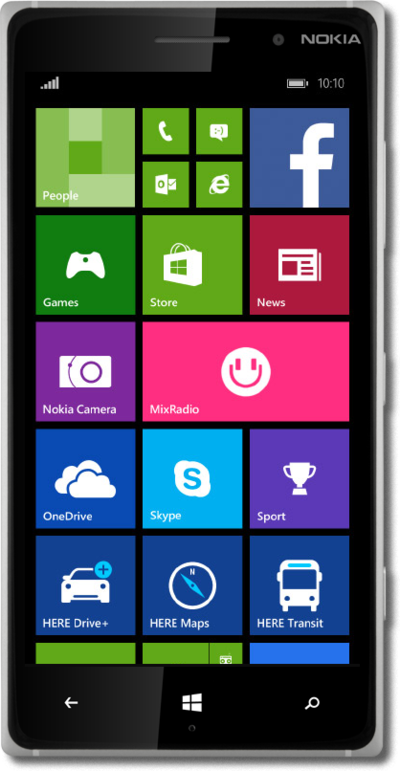
Use your saved contacts to place a call rather than typing out their number from memory.
1.
From the Start screen, tap the Phone tile.
2.
Tap the Contact info icon beside a call.
3.
Tap the Save icon.
4.
Tap the New icon. You may have to select an account to save the contact to.
5.
Tap the Name field.
6.
Enter the contact's name.
7.
Tap the Save icon.
8.
You've completed the steps!
