Taking a Burst of Photos
Lumia 830
Taking a Burst of Photos
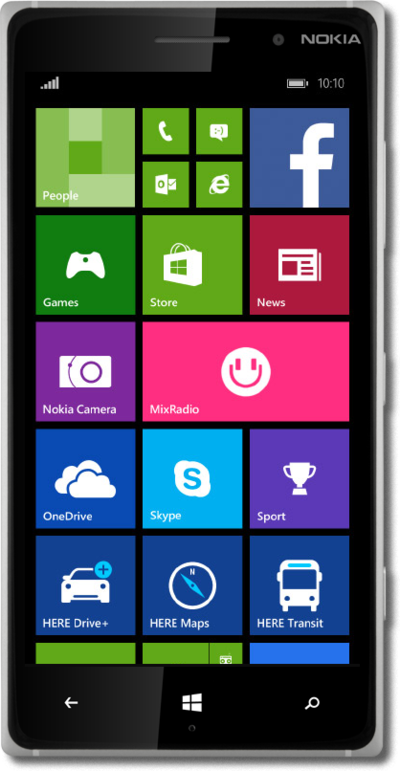
Learn how to take a burst of photos through the camera app. A burst of photos is a small group of photos that are taken one after another to catch everything in the moment.
1.
From the Start screen, swipe right to left to the Apps screen.
2.
Tap Camera.
3.
Tap the Burst icon.
4.
Tap the Burst icon to take a burst of photos.
5.
Tap the Camera roll icon.
6.
Tap burst to view all photos in the burst.
7.
Swipe to an image.
8.
Tap the image thumbnail you would like to save. You can select more photos by repeating this step.
9.
Tap the Save icon.
10.
You've completed the steps!
