Restarting Your Phone
iPhone 4s
Restarting Your Phone
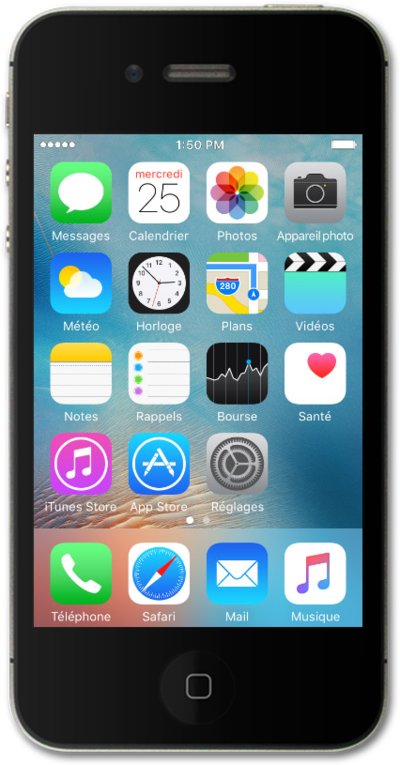
Learn how to turn your device off and back on again. Restarting your device is often the first step when troubleshooting a device issue.
1.
To restart iPhone, simultaneously press and hold the Sleep/Wake button and the Home button. You should only use this feature when iPhone isn't working correctly.
2.
Press the Sleep/Wake button to turn the iPhone on.
3.
You've completed the steps!
